
Download Social Web Buttons – Free Social Media Icons Pack
Overview
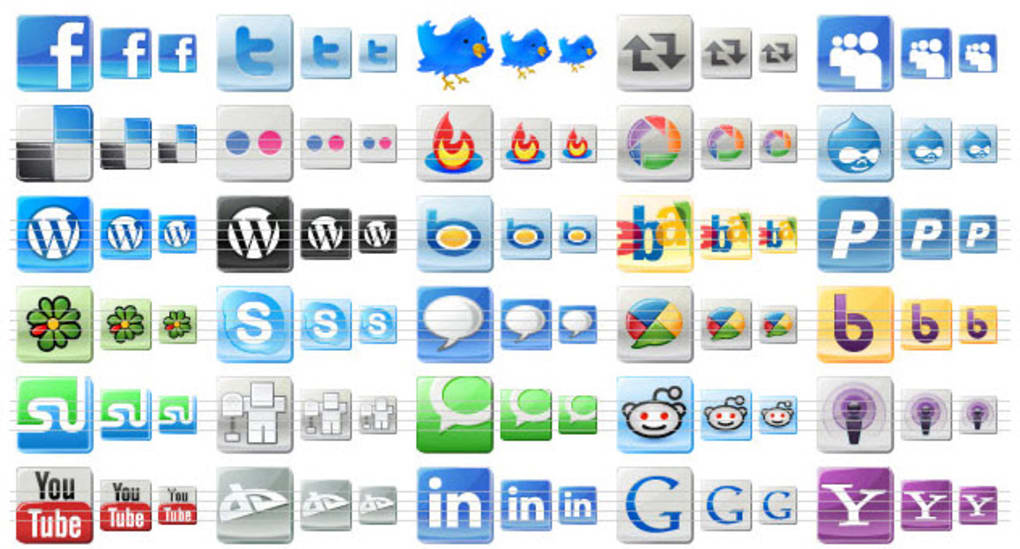
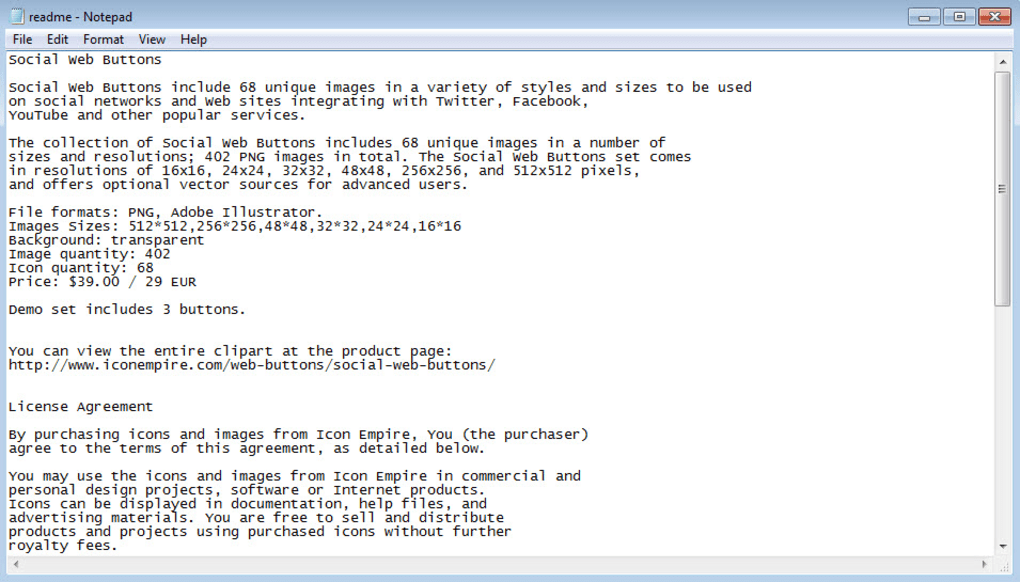
Social Web Buttons is a ready‑to‑use collection of high‑resolution graphic icons designed for webmasters, bloggers, and online marketers who want to add a professional touch to their social media integration. The full pack contains 68 uniquely crafted images representing the most popular networking platforms—including Twitter, Facebook, YouTube, Instagram, LinkedIn—as well as generic symbols for podcasts, RSS feeds, and sharing actions. Each icon is delivered in six scalable sizes (16 × 16, 24 × 24, 32 × 32, 48 × 48, 256 × 256, and 512 × 512 px) so you can adapt them to any layout, from tiny footer links to large hero‑section calls‑to‑action.
While the free demo version offers a taste of the library with two Twitter icons and one podcast icon, the paid version unlocks the entire set, giving you a versatile toolbox for any design system. Because the icons are pure PNG files, they work on any modern web platform without the need for additional fonts or scripts, keeping your pages lightweight and secure. Whether you run an e‑commerce store, a personal blog, or a corporate website, Social Web Buttons helps you turn passive visitors into engaged followers by providing instantly recognizable visual cues that encourage clicks and shares.
Key Features & Benefits
- 68 distinct icons covering major social networks, podcast platforms, and generic sharing actions.
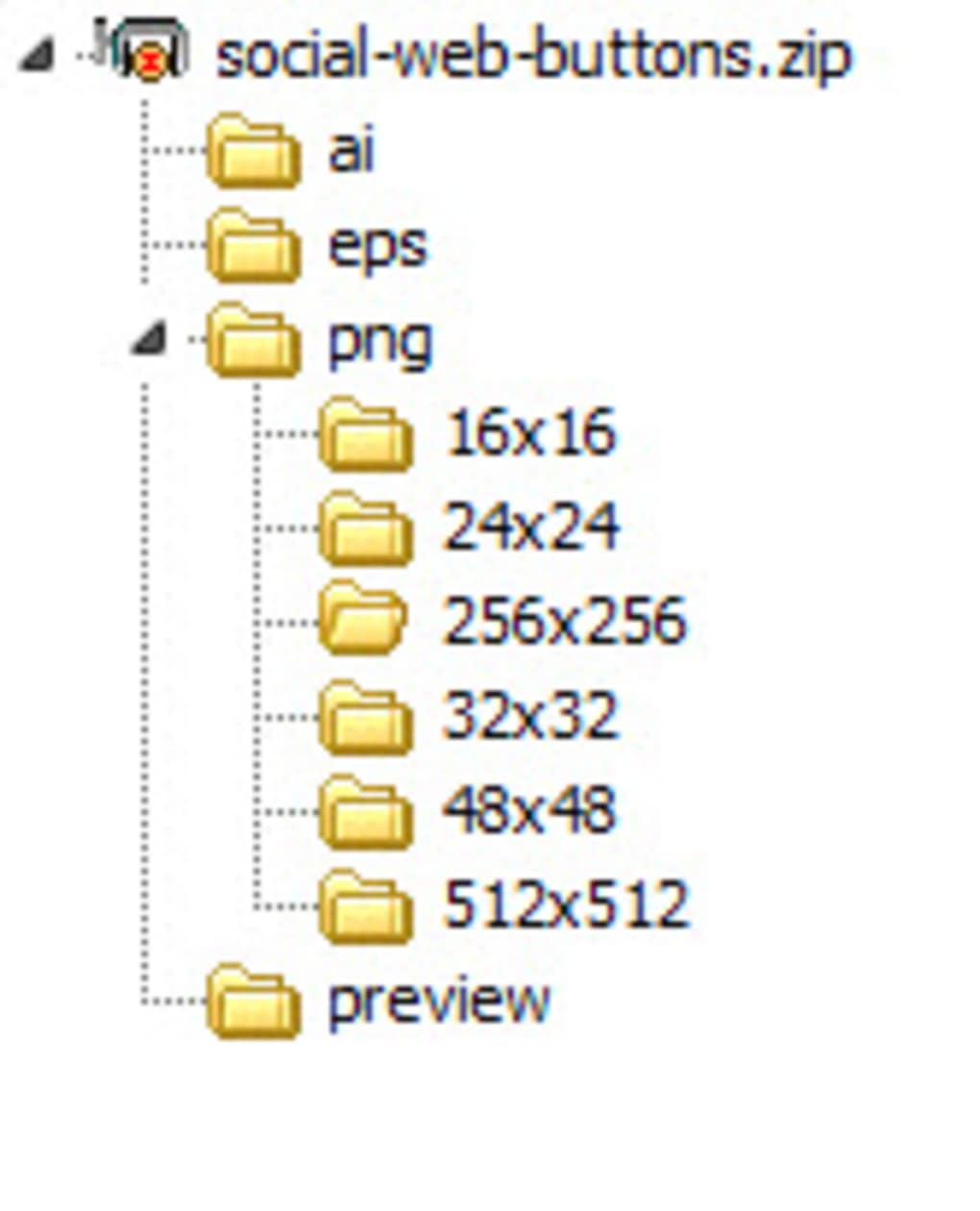
- Six size variations per icon (16‑512 px) for flexible placement in headers, footers, sidebars, and mobile menus.
- High‑definition PNG format with transparent backgrounds for seamless integration on any background colour.
- Fully vector‑compatible – you can upscale the 512 px version without losing quality, perfect for retina displays.
- Zero‑dependency design – no need for external CSS libraries or JavaScript; simple HTML tags work everywhere.
- SEO‑friendly – using alt attributes with keyword‑rich descriptions boosts discoverability.
- Cross‑platform compatibility – works on Windows, macOS, Linux, and any server‑side language (PHP, ASP.NET, Node.js).
- Free demo pack provides a risk‑free way to test quality before purchasing the full library.
Installation & Usage Instructions
Step‑by‑Step Setup
Getting Social Web Buttons onto your site is straightforward, even if you’re not a seasoned developer. Follow these steps to ensure a smooth implementation:
- Download the package from the official website. The ZIP archive contains a folder named
SocialWebButtonswith sub‑folders for each size. - Extract the files to a location within your website’s assets directory, e.g.,
/assets/icons/social/. - Choose the appropriate size for your layout. For a typical footer, the 24 × 24 px icons work well; for a hero banner, consider the 48 × 48 px or 256 × 256 px versions.
- Insert the HTML where you want the icons to appear. A minimal example for a Twitter link looks like this:
- Optimize for accessibility by adding descriptive
alttext and, if needed, ARIA labels. - Test responsiveness by resizing the browser window or using developer tools to ensure the icons scale correctly on mobile devices.
If you use a content management system (CMS) like WordPress, you can upload the icons via the media library and insert them using the visual editor or a short‑code plugin. For static site generators (Jekyll, Hugo), simply reference the relative path in your markdown or template files. Because the icons are PNGs, there’s no need for additional compilation or build steps, making the process fast and secure.
Should you require a custom hover effect, a few lines of CSS will do the trick:
.social-icon:hover { opacity: 0.8; transform: scale(1.05); transition: all 0.2s ease-in-out; }
This lightweight animation adds a modern touch without compromising page load speed.
Compatibility, Pros & Cons
Supported Platforms: The icon set is platform‑agnostic. It works on any operating system that can serve static files over HTTP/HTTPS – Windows, macOS, Linux, and even mobile OSes (iOS, Android) when used in web views or progressive web apps.
Pros
- Extensive variety of icons covering all major social networks.
- Multiple size options eliminate the need for external scaling tools.
- Pure PNG format ensures compatibility with any web framework.
- Zero‑dependency implementation keeps pages lightweight.
- Free demo provides a risk‑free trial of quality.
- Transparent backgrounds blend seamlessly with any design.
Cons
- No built‑in HTML tutorial; beginners may need to consult external resources.
- Only PNG files – no SVG option for infinite scalability without rasterization.
- The free version is limited to two icons, which may not be enough for full testing.
Frequently Asked Questions
Can I use Social Web Buttons on a commercial website?
Yes. Once you purchase the full pack, you receive a commercial license that allows unlimited use on any number of client or personal sites.Do the icons support retina displays?
Absolutely. The 256 × 256 px and 512 × 512 px versions are optimized for high‑resolution screens, ensuring crisp visuals on Retina and Android high‑dpi devices.Is there an SVG version of the icons?
Currently the package only includes PNG files. However, you can convert any PNG to SVG using free online tools if you need vector‑based scalability.How do I update the icons when new social platforms emerge?
The developer releases periodic updates that add new icons and size variations. After purchasing, you’ll receive email notifications and a download link for any future releases.Can I customize the colours of the icons?
Because the icons are PNG with transparent backgrounds, you can apply CSS filters (e.g.,filter: hue-rotate(180deg);) or overlay them with coloured backgrounds to match your site’s branding.
Final Verdict & Call to Action
Social Web Buttons delivers exactly what its name promises: a fast, secure, and aesthetically pleasing way to embed social media links into any website. The extensive size options and broad platform coverage make it a valuable asset for designers who care about both visual consistency and page performance. While the lack of an SVG format and an introductory tutorial may be minor drawbacks, the overall value—especially at the modest price point—far outweighs these gaps. If you’re ready to boost user engagement and give your site a polished, professional look, click the button below to download the full pack and start integrating today.
Download Social Web Buttons Now






